
1xBet Mobile Betting: What to Do When the File Refuses
Here you will find clear, step-by-step help for handling the 1xBet Android app and its APK file. The guide walks you through download and install steps, shows how to keep the app current, explains what features you can use, and tells you exactly what to try when files refuse to download or install. You will also see how the mobile website stacks up against the app itself.
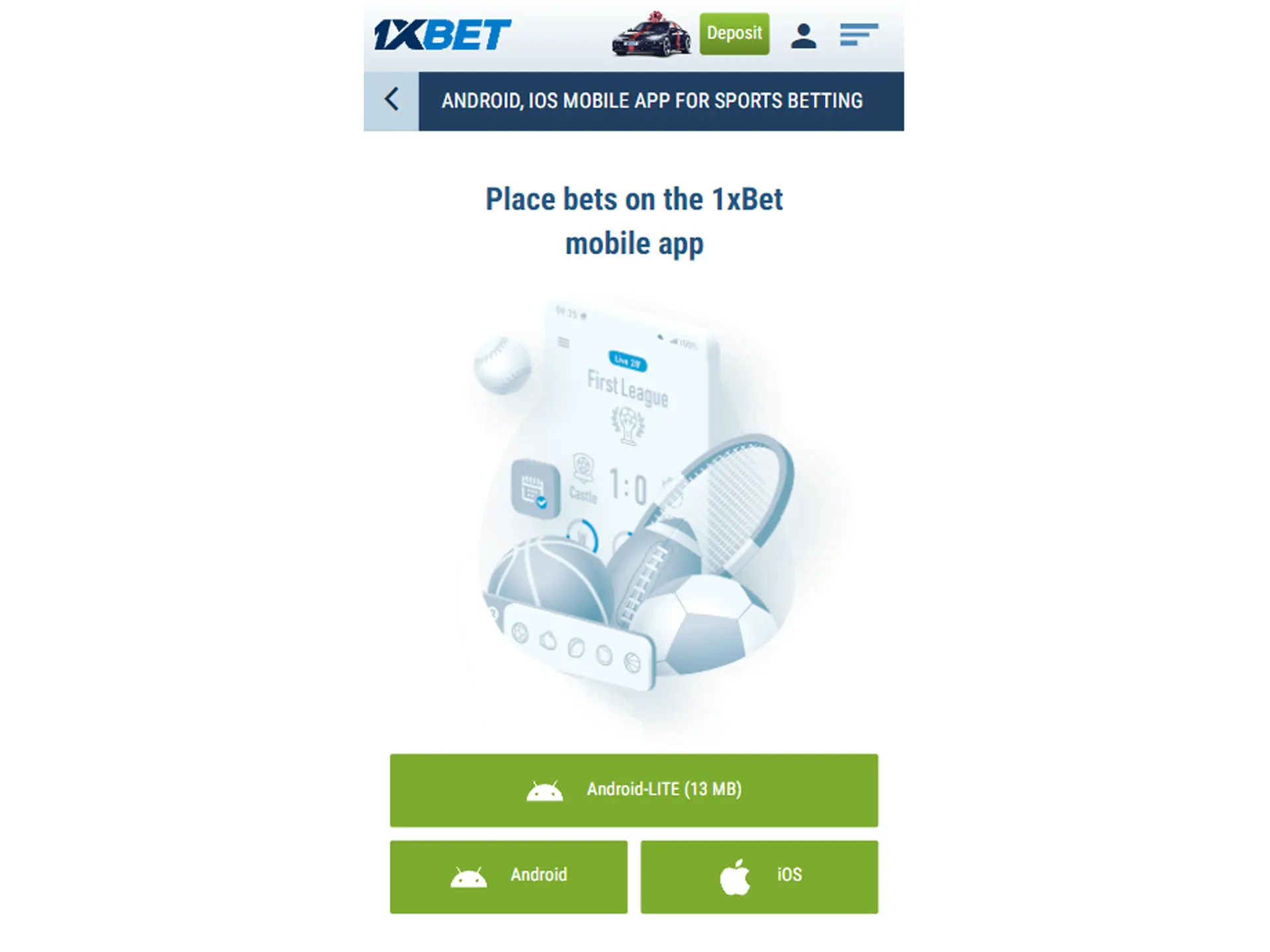
The APK File and the App Explained
An APK is the standard Android package format that carries all the code and resources for a single app. The 1xBet app arrives as one of these files because the full betting platform is not listed on the Google Play store in most regions.
The package contains the sportsbook, live betting module, casino lobby, payment tools, and account settings in one install. Once loaded, it behaves like any other Android app, with its own icon and notification channel. The 1xbet live betting app to install file is typically fetched directly from the operator’s site rather than a store, which changes the setup steps slightly.
Availability and exact interface layout vary by region and app release, so what you see after opening may differ from older screenshots.

Getting the File Onto Your Phone
First, open your mobile browser and navigate to the official 1xBet site. The download prompt usually sits near the top of the homepage or inside a mobile-apps section marked with an Android icon.
Tap once. Your browser should fetch the file automatically and show a progress indicator. If nothing starts after a few seconds, pull down your notification shade and check whether the browser blocked the download pending your approval. Allow it manually if so. A steady connection matters here, since breaking off mid-fetch means starting over.
Before downloading, check that your phone has spare storage. The package starts compressed and expands after install and first launch. Roughly 100-160 MB of free space covers most setups. Android 5.0 or newer is expected, which includes nearly all devices sold in recent years.
To verify the source:
- Make sure the web address matches the official domain
- Note the file name ends in .apk, not .zip or .exe
- Avoid third-party mirrors or shortened links from forums
- Scan the file with your phone’s security tool if unsure
After a clean download, the file sits in your Downloads folder or browser’s default save location until you act on it.
Installing, Updating, and Running the App
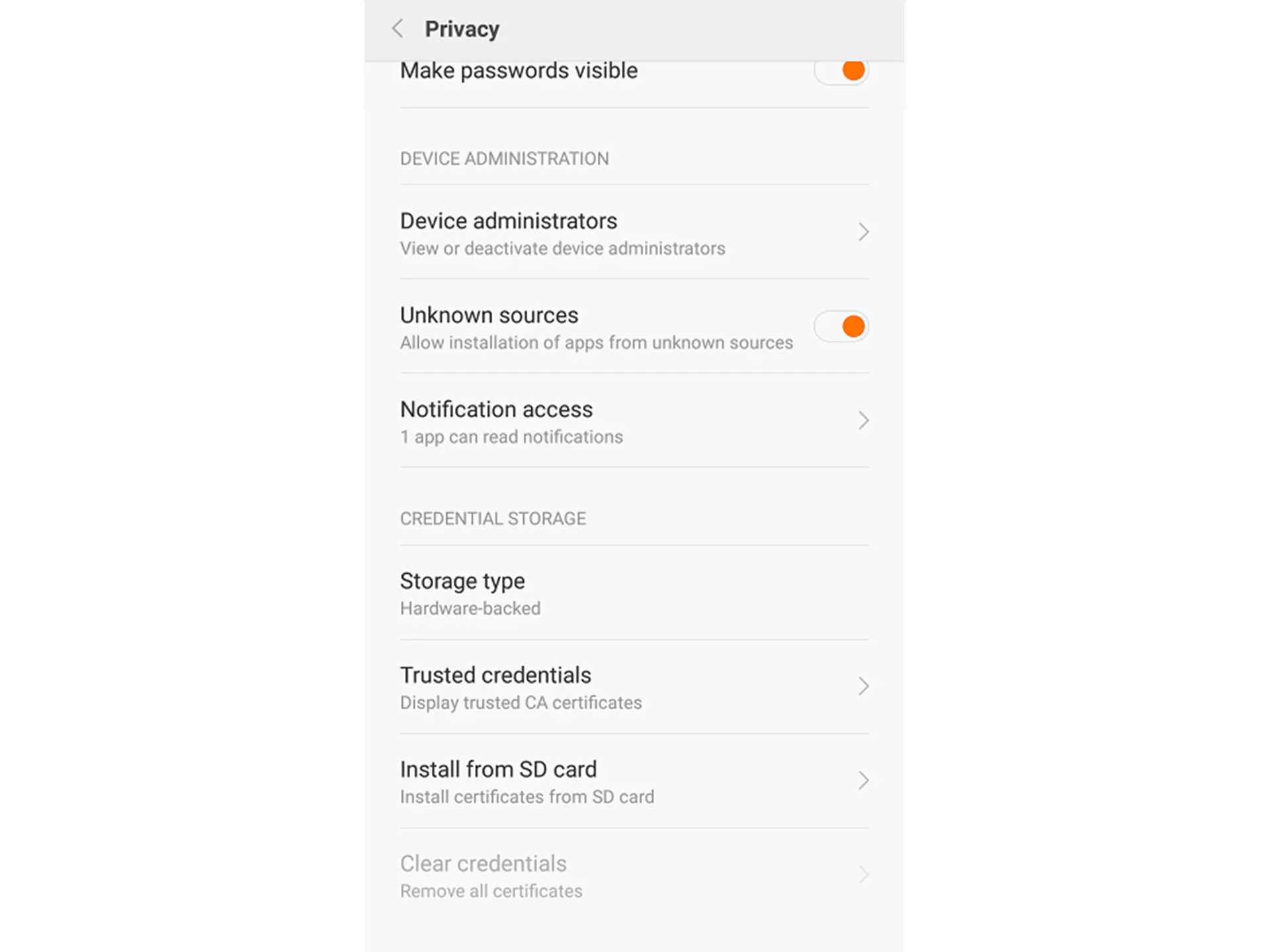
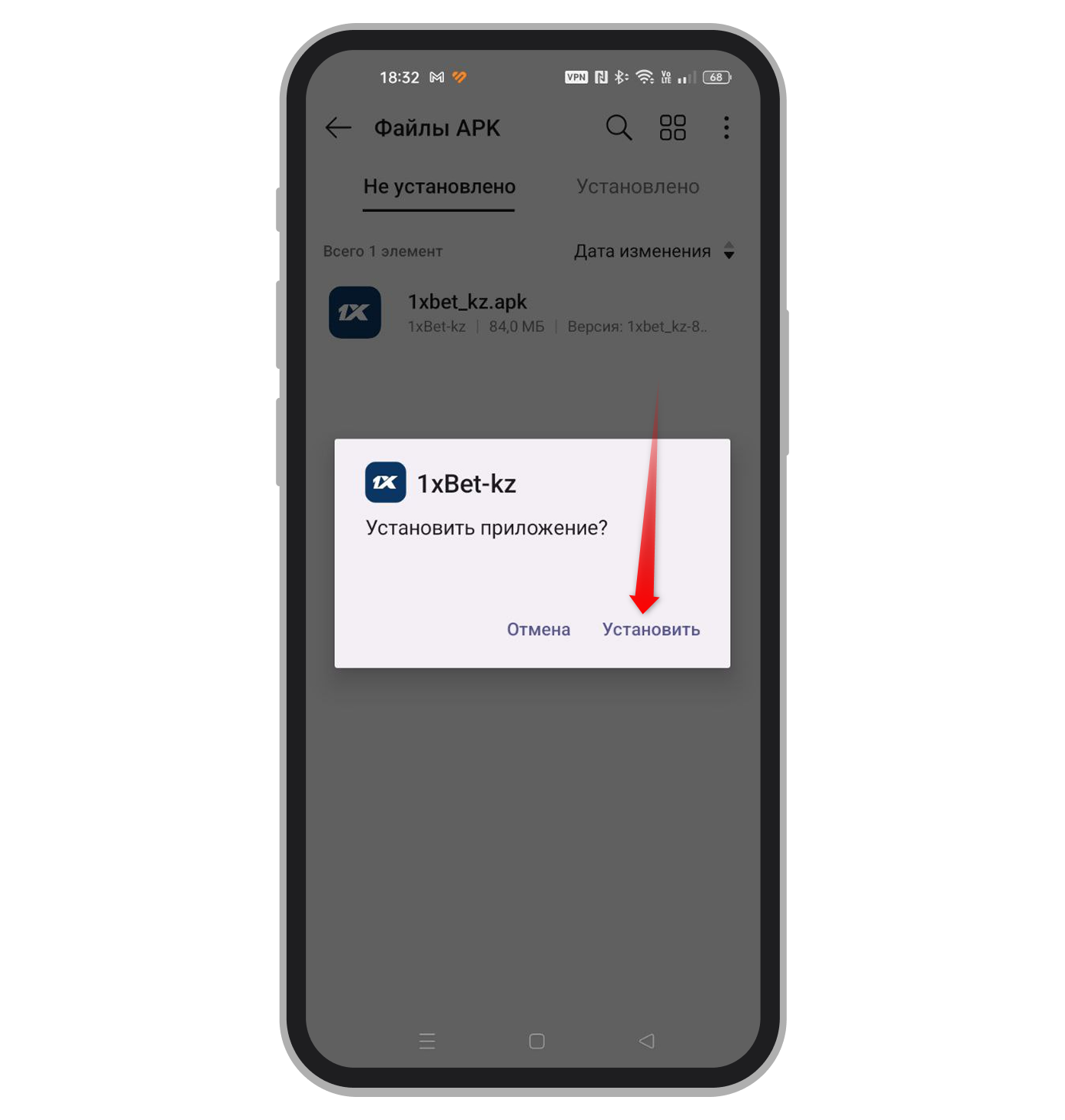
Android treats non-Play installs differently. When you first open the APK, your phone asks whether the browser or file manager that fetched it may install unknown apps. Grant this permission, proceed with the install, and revoke it afterwards if you prefer tighter security. The permission is per-source, so your file manager and browser each have separate toggles.
| Step | Action | Note |
|——|——–|——|
| Open APK | Tap the downloaded file | Use your file manager if the notification vanished |
| Grant source | Allow the fetching app to install | This is the unknown-sources toggle |
| Complete install | Wait for the progress bar | Do not force-close during this phase |
| Launch | Open from home screen | First load may take longer as assets unpack |
Updates work the same way: fetch the newer APK, open it, and the system overlays the existing version. If the new package carries a different signing certificate, Android blocks the overlay. You must then uninstall the old version first. Uninstalling can remove local app data, so note any pending bets or saved settings.
Features available once running include:
- Pre-match and live sports betting with odds that refresh without page reloads
- A casino tab with slots, table games, and live dealer tables
- Payment deposits and withdrawals tied to your account profile
- Bet history, open coupons, and cash-out where offered
- Push alerts for match start, goal events, or settled wagers
Notifications are a main reason people prefer the app over browser use. A match going live or a bet settling can ping your phone directly rather than waiting for you to refresh a tab.
When the File Refuses: Problems and Fixes
Several blockers appear regularly. Most trace back to one of four causes.
Download never starts. Check your notification shade for a blocked file warning. Some browsers halt APKs by default. Also confirm your connection is active and storage is not full.
Parse error on open. This usually means the download broke partway through and the file is incomplete. Delete it, clear your browser cache, and fetch again on a stable connection.
App not installed message. Causes include a certificate mismatch with an existing version, insufficient storage for extraction, or a corrupted package. Free space first. If that fails, uninstall the old version and retry, knowing local data may be lost.
Security scan flags the file. Betting APKs often trigger heuristic warnings because they handle real-money transactions outside Play’s ecosystem. If you fetched from the official site, the flag is typically a false positive. You may need to pause your scanner briefly.
The simplest recovery path is:
- Delete the broken file completely
- Restart your phone to clear stuck install processes
- Revoke and re-grant the unknown-source permission
- Download fresh and try again
Betting should stay within your means. Set limits on time and money before you start, and use the app’s responsible-gambling tools if they are available in your region.
| Problem | Likely Cause | Quick Fix |
|---|---|---|
| Download stalls | Browser block or weak connection | Allow in notifications, retry on Wi-Fi |
| Parse error | Incomplete file | Delete and re-download |
| Not installed | Certificate conflict or low space | Uninstall old version or free storage |
| Security alert | Heuristic flag on non-Play APK | Verify source, proceed if official |
App Versus Mobile Site
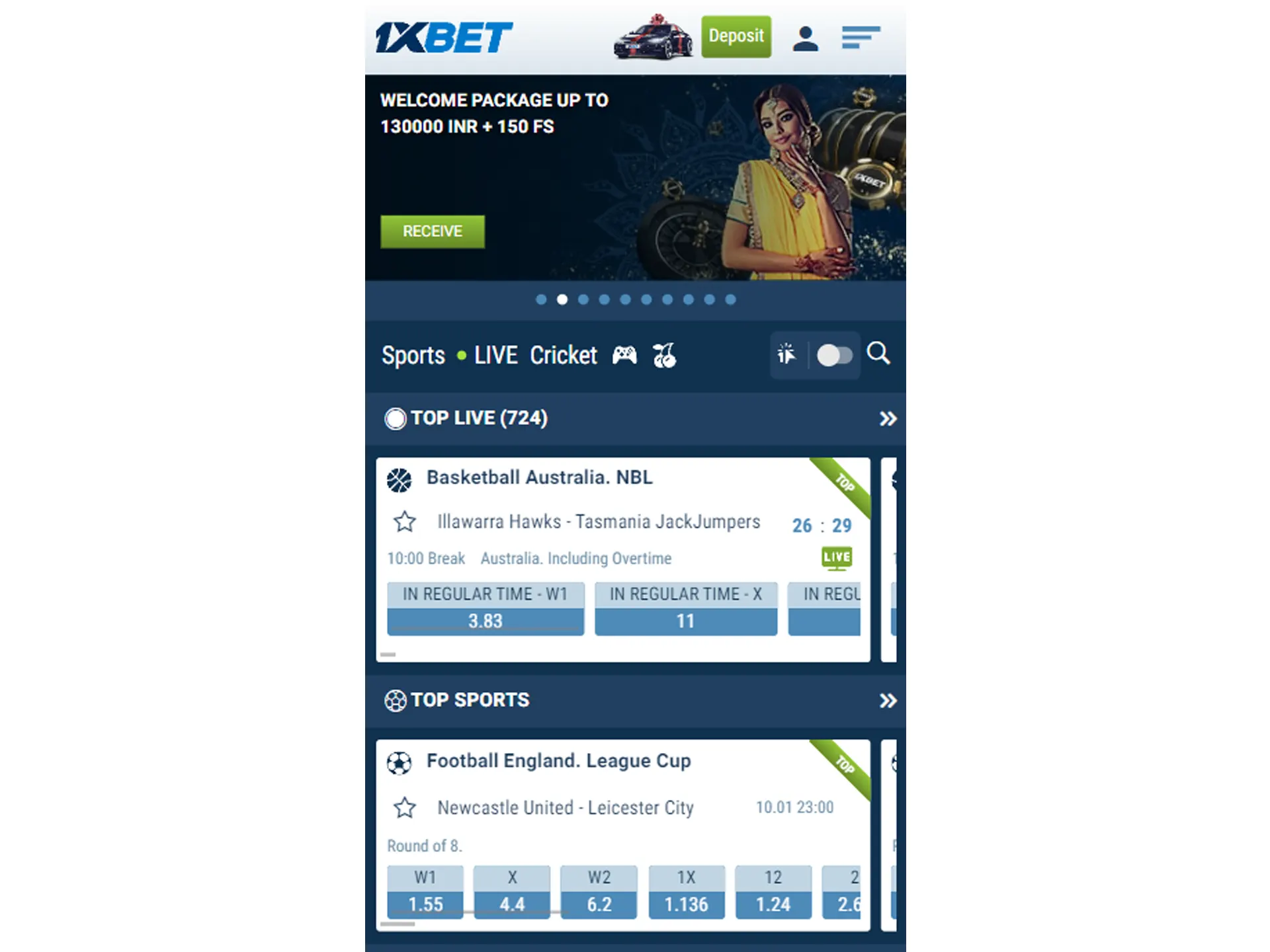
The mobile website loads in any browser without setup steps. It suits checking scores or placing an occasional bet. The app, however, is built for people who bet while moving. Odds update faster, the Live section loads with fewer delays, and your coupon stays saved even if you switch apps to check a stat. The design is made more compact for phones, keeping the Sports section, search tool, and profile icon easy to tap.
Another difference is how payments work. The app lets you store mobile payment methods to speed up repeat deposits, while the site makes you fill more fields each time. On slower connections, the app’s saved files also cut load times.
Choose the site if you want zero installs or your phone lacks space. Choose the app if you bet often, follow multiple live events, or want alerts without keeping a browser tab open. Both access the same account balance and betting markets, though exact feature availability varies by region and app release.
FAQ
Why does the 1xBet APK file refuse to download even with a good connection?
Your browser may be blocking APK files by default. Check your notification shade for a blocked-download warning and allow it manually. Some browsers also require you to confirm the file type before starting the fetch.
What do I do when Android says “app not installed” after opening the APK?
First check you have enough free storage for the package to extract. If space is fine, the new file may carry a different certificate from your existing version, forcing you to uninstall the old app first. Remember this can clear local data.
Can I fix a “parse error” without downloading again?
Usually no. A parse error means the APK file arrived incomplete or corrupted. Delete the broken file, clear your browser cache, and download fresh on a stable connection.
Is it safe to turn on unknown sources for this install?
Android now grants this permission per app source rather than globally, which reduces risk. Grant it to your browser or file manager, install the app, then revoke the permission afterwards if you want tighter security.
Why does my phone’s security scanner flag the 1xBet file?
Betting APKs that handle real-money transactions outside Google Play often trigger heuristic warnings from security apps. If you downloaded from the official 1xBet site, this is typically a false positive, though you should always verify the source URL before overriding your scanner.