
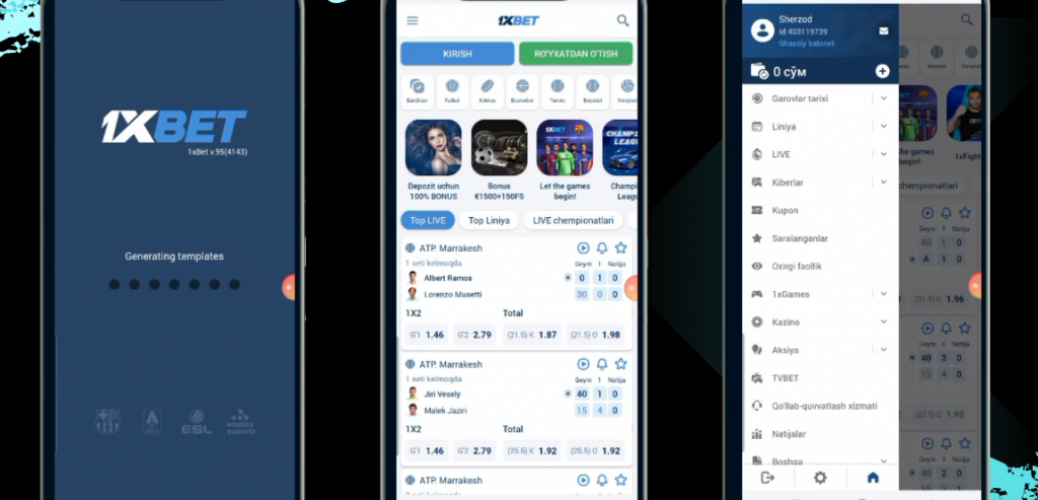
1xBet Android App: Setup, Features and Everyday Betting
The installed 1xBet Android app keeps your ticket slip, live odds and casino lobby one tap away, while the browser version reloads all of that every time you open a new tab. That gap is exactly why millions of punters hunt down the APK file and install it manually instead of waiting for a store listing. This guide walks through the whole journey: deciding whether a download source deserves your trust, grabbing the file, handling Android’s unknown-sources prompt, exploring what the app actually does, keeping it updated, and decoding the errors that occasionally appear along the way.
Weighing Up Where the APK Comes From
Because the 1xBet Android application rarely sits inside mainstream app stores, the very first decision you make is where the file comes from. That choice matters more than any setting you will toggle later, because a tampered APK can behave badly long before you notice anything unusual. A sensible check takes less than two minutes and filters out most of the dodgy mirrors floating around search results.
- Does the site load over a secure connection, with a domain name that looks deliberately typed rather than misspelled by one letter?
- Is the APK offered directly, or are you being pushed through three pop-ups and a “download manager” first?
- Does the page mention the current app version and a recent update date, or does it look abandoned since last year?
- Are there fake countdown timers and flashing buttons? Genuine sources rarely need theatre to convince you.
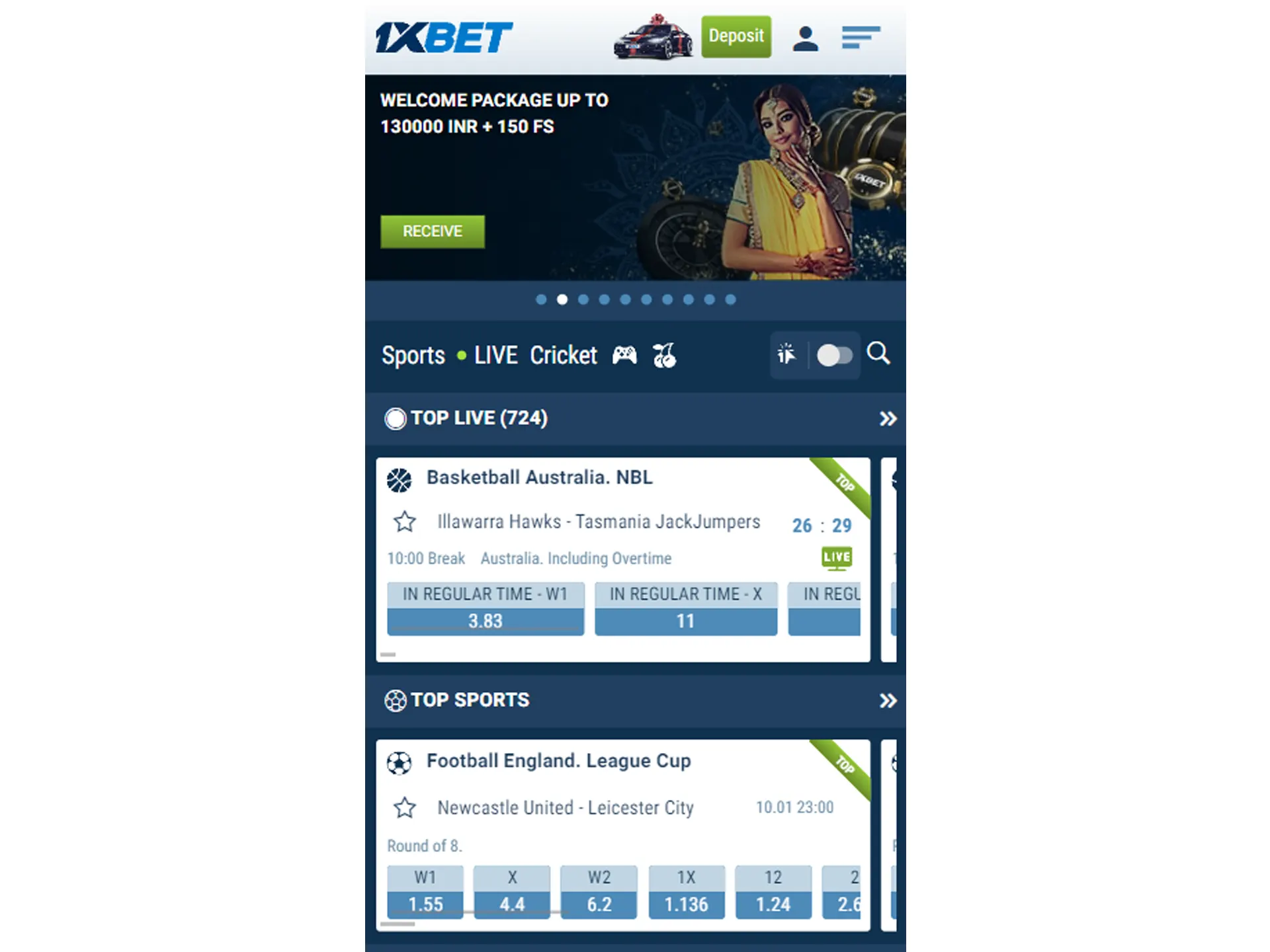
Once you have a source that passes those tests, note the file name and keep a mental record of where you got it. If an update ever fails with a signature mismatch, knowing your original source helps you decide whether to return there or remove the app entirely and start fresh.
Getting the File Onto Your Phone
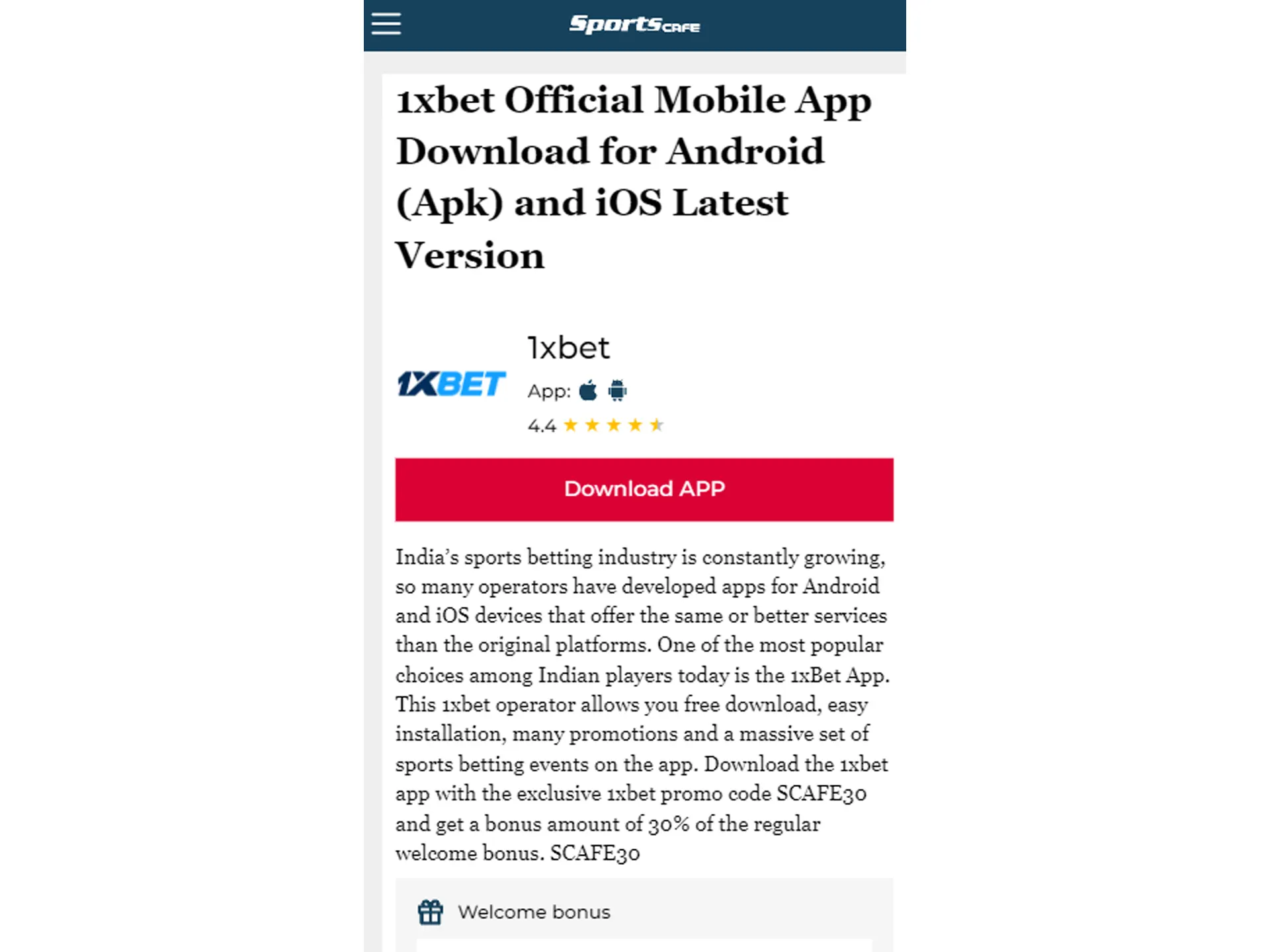
The download itself is the simplest part of the whole setup. Open your mobile browser, head to the source you vetted, and tap the Android download button. The APK lands in your Downloads folder like any other file, and a notification usually confirms when it finishes. Many regulars describe the routine as a quick
1xbet app download free download
followed by a minute of patience while the progress bar crawls across the screen, especially on slower connections where live betting fans are eager to get back to the odds board before kick-off.
A few habits make this stage smoother:
- Connect to stable Wi-Fi if your mobile data is patchy, since a corrupted half-download will refuse to install.
- Avoid tapping the download button twice; duplicate files with “(1)” in the name cause confusion later.
- Check your free storage before you start, because a nearly full phone is a quiet cause of failed installs.
- Let the download finish completely before tapping the file, even if the notification lingers temptingly.
The Unknown-Sources Prompt, Demystified
When you tap the finished APK, Android steps in with a warning. The system treats any app installed outside an official store as “unknown”, and it asks your permission before proceeding. Crucially, modern Android grants this permission per source app, not globally: you allow your browser or your file manager to install, not the whole phone. That design means you stay in control, and you can revoke the permission straight after installation from the special app access settings.
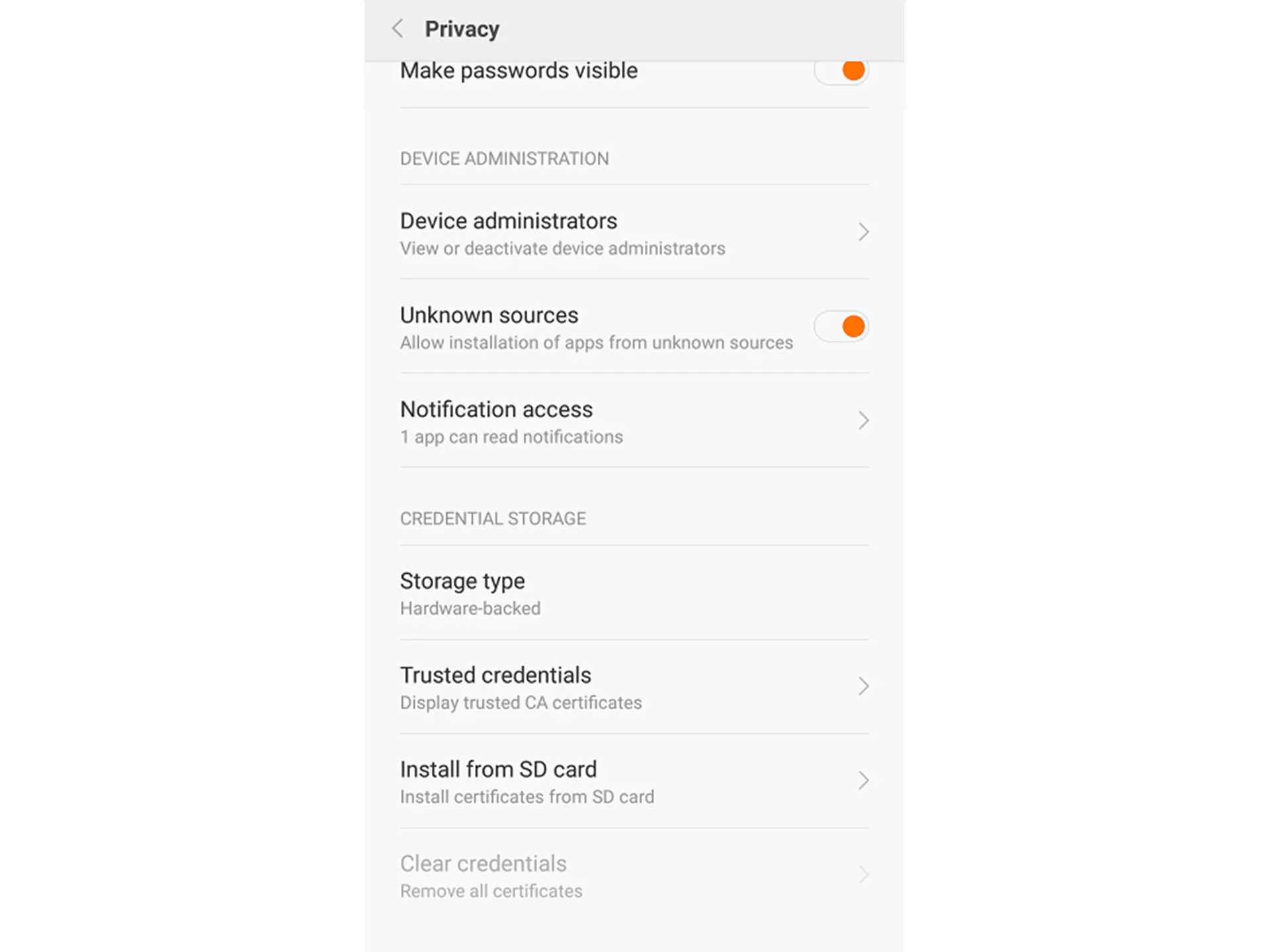
The typical flow looks like this:
- Tap the APK file in Downloads or from the notification shade.
- Read the prompt, then follow the link into Settings to allow installs from that one source.
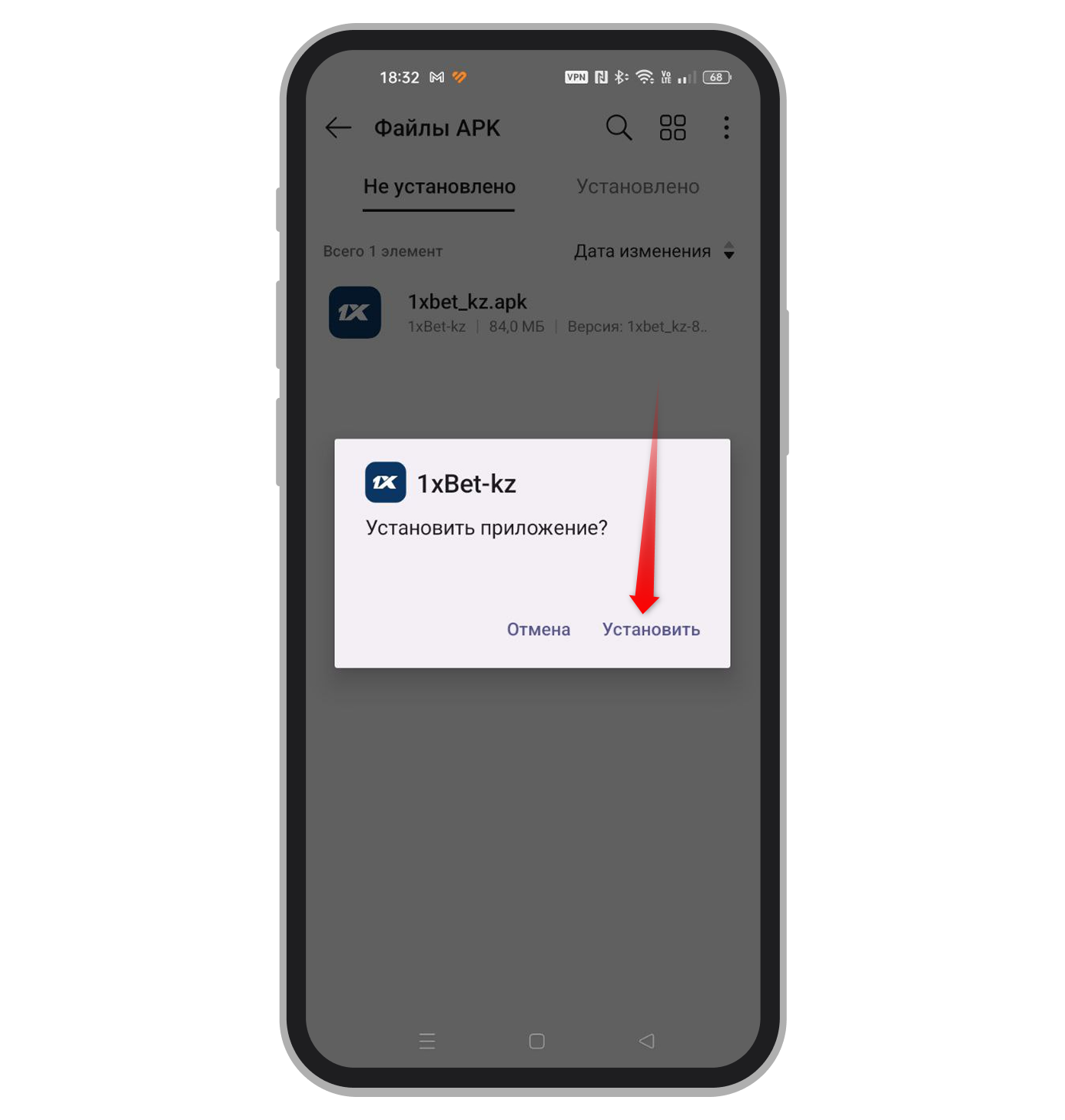
- Return to the installer screen and confirm with the Install button.
- Wait for the progress bar, then tap Open or find the new icon in your app drawer.
- Optionally, head back into Settings and switch the unknown-sources toggle off again.
Revoking the permission afterwards is a small act of hygiene worth doing. It changes nothing about the app you just installed; it simply closes the door behind you so no other file can slip through unnoticed.
What You Actually Get Inside the App
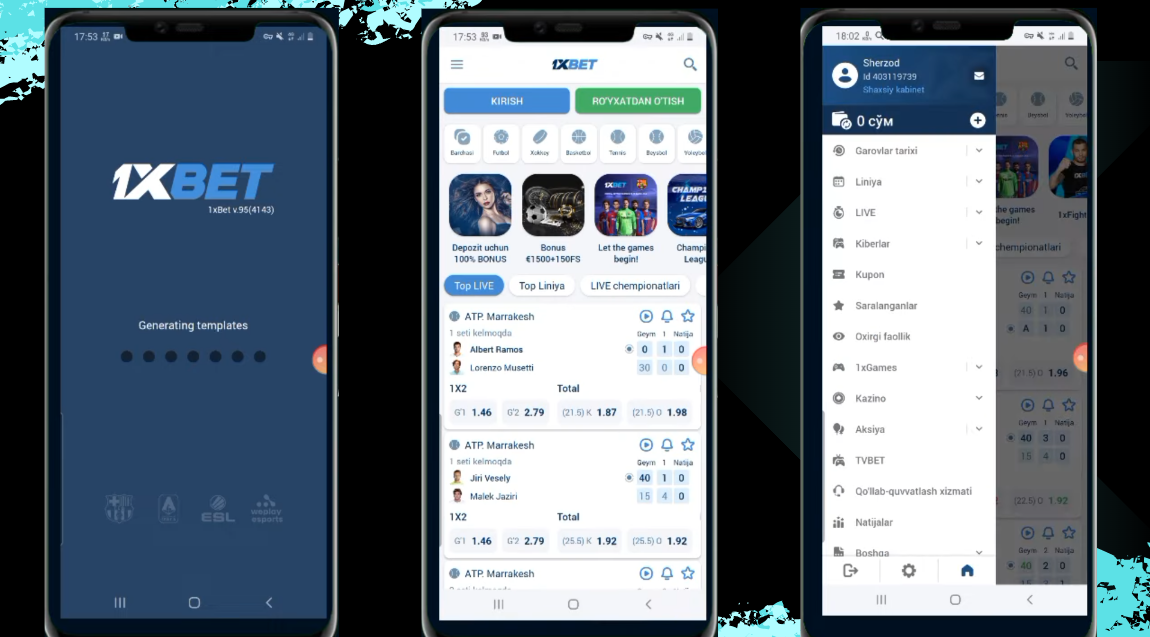
Once installed, the 1xBet app condenses the entire bookmaker into a pocket-sized dashboard. The sports section covers pre-match markets alongside a live betting hub where odds refresh in real time, often with animated match trackers standing in for video streams. The casino wing carries slots, table games and live dealer rooms, while the cashier handles deposits and withdrawals through whatever payment methods your region supports. Availability and interface details vary by region, operating system and app release, so two users in different countries may see noticeably different menus.
| Area | What you find there |
|---|---|
| Sportsbook | Pre-match markets, accumulators, bet slip with quick-stake buttons |
| Live betting | Updating odds, match visualisations, cash-out where offered |
| Casino | Slots, roulette, card tables, live dealer studios |
| Account | Balance, history, verification documents, limits |
| Payments | Deposit and withdrawal methods shown per region |
Day-to-day quality-of-life touches matter as much as the headline features. Logging in with biometrics saves you from typing a password on a crowded train, and push notifications can flag a settled bet or a shifting line you asked to follow. Spending controls live in the account area too, and setting a deposit limit before your first wager is a habit every bettor should treat as non-negotiable.
Keeping the App Current
Manual-install apps do not update themselves through a store, so staying current is your job. The app typically nags you when a new build exists, offering an in-app update or pointing you back to the download page for a fresh APK. Either route works, provided the new file is signed with the same certificate as the one already on your phone; Android refuses to install an update signed by a different key, which is actually a useful security tripwire.
Update habits worth adopting:
- Update from the same source family you originally used, so the signatures match.
- If Android blocks an update over a signature conflict, back up anything you need and uninstall before reinstalling cleanly.
- Remember that uninstalling can wipe locally stored data such as saved login sessions and cached preferences.
- Check for updates every few weeks rather than ignoring the prompts for months.
When Installation Fights Back
Most installations finish in under a minute, but Android’s error messages, when they appear, are famously cryptic. Reading them correctly saves you from deleting and re-downloading files that were never the problem.
| Message you see | What it usually means | First thing to try |
|---|---|---|
| App not installed | Corrupted file or signature clash with an older copy | Delete the APK, uninstall any old version, download again |
| Parsing error | The file is incomplete or meant for a different Android build | Re-download fully and check your system version |
| Install blocked | Unknown-sources permission not granted for that source | Allow installs from your browser or file manager |
| Insufficient storage | Not enough free space to unpack the app | Clear old files or apps, then retry |

If none of those fixes stick, the mobile website is a perfectly workable fallback. It needs no installation, no permissions and no storage, and it mirrors the same markets and casino lobby through your browser. Some bettors even keep both: the app for speed, the site as a backup when an update misbehaves.
FAQ
Do I need to pay anything to install the 1xBet Android app?
No. The APK file itself costs nothing to download or install. You only spend money once you choose to deposit into your betting account.
Why does Android warn me during installation?
Android flags every app installed outside an official store as unknown. The warning is standard procedure, not a verdict on this particular file, and you control the permission per source app.
Can I remove the unknown-sources permission afterwards?
Yes, and doing so is good practice. Revoking it in your special app access settings does not affect the installed app; it simply prevents future surprise installations.
Will an update ever refuse to install?
It can. If the new APK is signed with a different certificate than your current copy, Android blocks it. Uninstalling first usually solves that, though local app data may be lost.
Can I use the mobile site instead of downloading the app?
For many bettors, yes. The mobile site offers the same sportsbook, live betting and casino sections without any installation, though the app tends to feel faster for everyday use.